Back to Help Center
May 12, 2024
How to create a free Suisse Fonds account?
This article guides you through the steps required to register for a account, unlocking access to our core analytics features.
What is Suisse Fonds?
Suisse Fond is an advanced analytics platform designed to offer clear, actionable insights into your website's traffic and user engagement. We help you understand your audience better and optimize your online presence effectively.
How to create a free account on Suisse Fonds?
Signing up for a free Suisse Fond account is straightforward. Simply navigate to our homepage and click the "Sign Up Free" button. You will then be guided through a quick registration process, requiring your email and a password to get started with our platform.
How to download and setup the the Suisse Fonds iOS or macOS app?
To get Suisse Fond on your Apple devices, search for "Suisse Fonds" in the App Store on your iOS device or Mac. Download the app, and once installed, open it. You can then log in with your existing Pixelcloud credentials or create a new account directly from the app. Follow the simple on-screen instructions for initial setup to begin tracking.
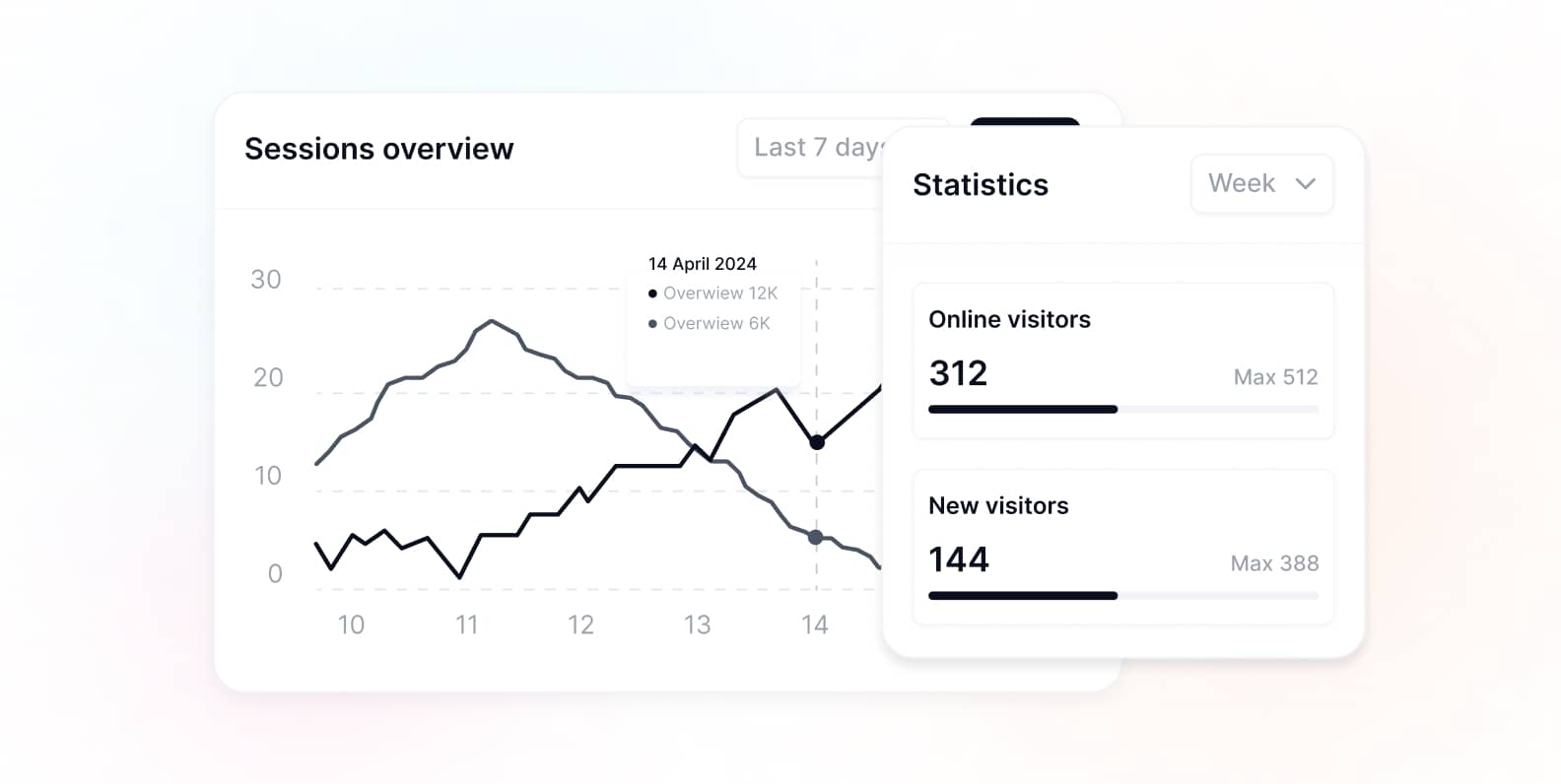
How to setup your Suisse Fonds account
Once your account is created, setting it up involves a few simple steps. First, you'll add your website to the Suisse Fond dashboard. We will then generate a unique tracking code snippet for you. This code needs to be integrated into your website's HTML to start collecting data and insights.
Go to the 'Websites' section in your dashboard and click 'Add'.
Input your website's domain name and a descriptive name for your project.
Copy the JavaScript tracking code snippet that provides for you.
Paste this code into the <head> section of every page on your website
